Understanding what remote work changes in day-to-day consumption
Avoided commutes: less fuel, but not always less energy overall
With remote work, you cut out daily commutes. That's often a real saving on fuel and vehicle wear. But the "saved" energy can partly shift elsewhere, if offices stay heated and lit, or if you need to heat your home more.
A home occupied all day: heating, hot water and cooking work harder
When the home is occupied from morning to evening, continuous heating and ventilation run for longer. Hot water and cooking also increase, simply because lunch is eaten at home. A well-set thermostat and a well-insulated house make the difference.
Digital equipment: router, screens and printing, an often-underestimated share
The internet router, computer and screens each use little power, but over a full day it adds up. With remote work, the temptation to print and multiply video calls grows. Relying on digital sobriety and cutting unnecessary standby limits the increase.
Heating and lifestyle: the real items that spike during the day
Setpoint temperature and heating slots: your quickest levers to explain to customers
During the day, remote work pushes people to keep the heating on as if it were the weekend. Remind customers of a setpoint around 19°C in living areas and 17°C in bedrooms, then a 1 to 2°C drop when the house is empty or at night. With time-slot programming, you avoid overly long reheat cycles and keep stable comfort.
Rooms heated for nothing: zoning, doors, and simple habits to fix
The biggest waste often comes from square metres heated for nothing. Suggest simple zoning. Close doors, adjust thermostatic valves, heat only occupied rooms, and keep radiators clear. These habits are free kWh for the customer.
Summer comfort while working from home: ventilation, shading and auxiliary air conditioning
With remote work, overheating shows up fast. Priority goes to shading, shutters and blinds on the sun side, then to night-time or early-morning ventilation. A fan uses little power and improves the sensation. Auxiliary air conditioning remains plan B, to be used in short slots with proper settings.
Electricity: how remote work shifts usage and changes the bill
Consumption peaks during the day: cooking, multimedia, laundry and dishwashing
With remote work, consumption no longer concentrates only in the evening. Lunch gets cooked, video calls, screens and the internet router run all day, and it becomes easier to run a laundry or dishwasher cycle between two meetings.
- Lunch cooking and kettle use, often right in the middle of the day.
- Computer, screens and multimedia active over a longer window.
- Appliance cycles shifted into the daytime.
Standby and devices left on: power strips, settings and good habits
The real trap is standby power. A switched power strip for the workstation, printer and screen avoids the small watts that add up. Turn on automatic PC sleep, lower screen brightness, and unplug chargers when not in use.
Tariffs and off-peak hours: adapting usage without complicating the lifestyle
If you're on a peak/off-peak tariff, keep one simple rule. Only shift what's flexible. Washing machine, dishwasher, water heater, tool charging on a delayed start. Track your usage via your Linky curves to target the right time slots, without turning the house into a power plant.
Measuring to act: diagnosing overconsumption linked to remote work in 2026
Reading a bill and spotting a change in profile (kWh, power, season)
Start by comparing 2 or 3 bills from before and after switching to remote work. Look at kWh consumed month by month, but also the season. An increase mainly in winter often points to heating. A steady increase all year round points more toward usage. Also check the subscribed power level and any overshoots, which can inflate the standing-charge portion.
Simple monitoring: meter, supplier apps and useful small sensors
To get objective data, combine meter readings with weekly monitoring. The useful tools are often already there.
- Display or monitoring portal for the smart meter, to see the peaks.
- Supplier apps, with alerts and comparison against a reference period.
- Plug-in wattmeter and thermo sensor to connect consumption and comfort.
Telling apart a usage problem from a building problem: when to suggest an energy audit
If the increase mainly comes from equipment (screens, printer, water heater running during the day), you adjust habits and settings. If the peaks follow the weather, with cold rooms or condensation, the building itself is at fault. In that case, suggesting an energy audit helps prioritise insulation, ventilation and heating, and scope out grants before work starts.
Renovation solutions that make sense as remote work becomes the norm
Insulation and airtightness: gaining comfort without overheating all day
With remote work, the house heats for longer. Reinforcing insulation in the loft, walls and floors and treating air leaks limits draughts, stabilises temperature and reduces heating needs. Also think about summer comfort, with solar protection and suitably chosen insulation materials.
Controls and equipment: thermostat, thermostatic heads, effective ventilation
The key is heating in the right place. A programmable thermostat and thermostatic heads let you lower unoccupied rooms without losing comfort. On the indoor air side, a properly sized and maintained mechanical ventilation system avoids moisture and CO2 buildup when someone stays home all day.
Heat production and renewable energy: heat pump, water heater, self-consumption depending on the case
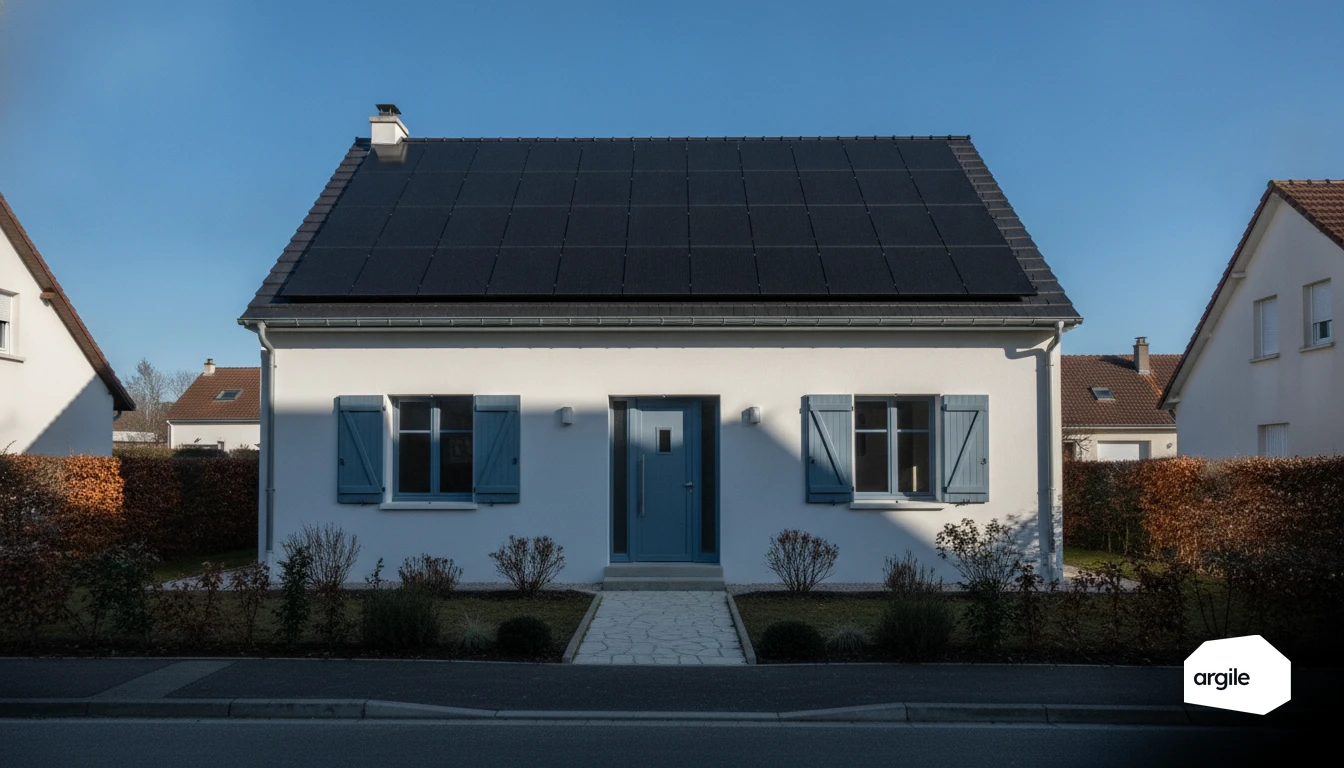
If the envelope is in good shape, a heat pump can cut the bill. For hot water, a heat-pump water heater is often worthwhile. Photovoltaic self-consumption can complement it, especially if usage is concentrated during the day. Favour RGE-certified companies to secure MaPrimeRénov' and CEE grants, and also pay attention to heat pump commissioning to guarantee the stated performance. On that point, the output estimated from the roof orientation and the self-consumed share are costed before signature.